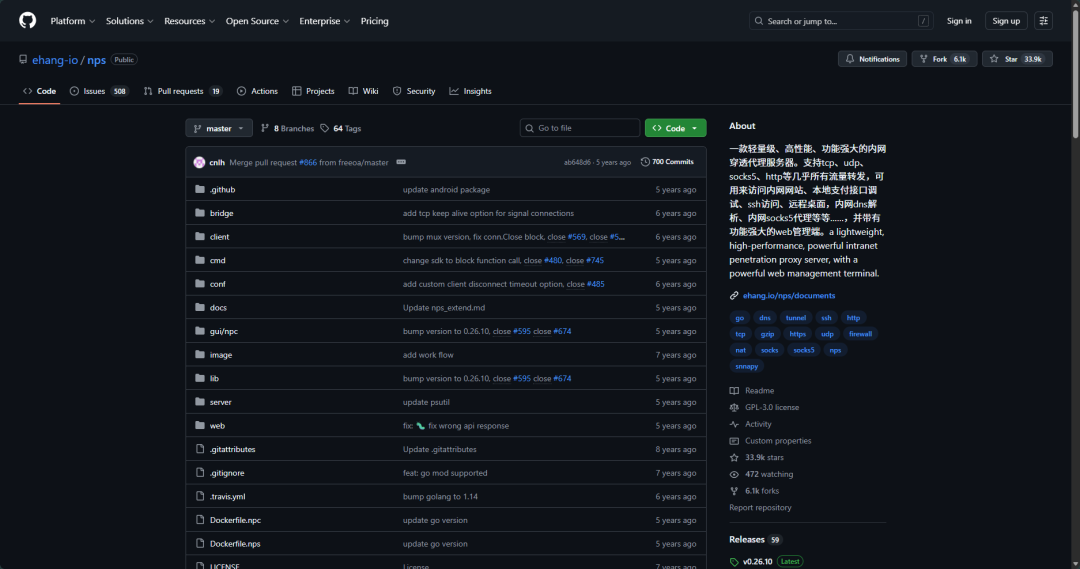
什么是NPS?
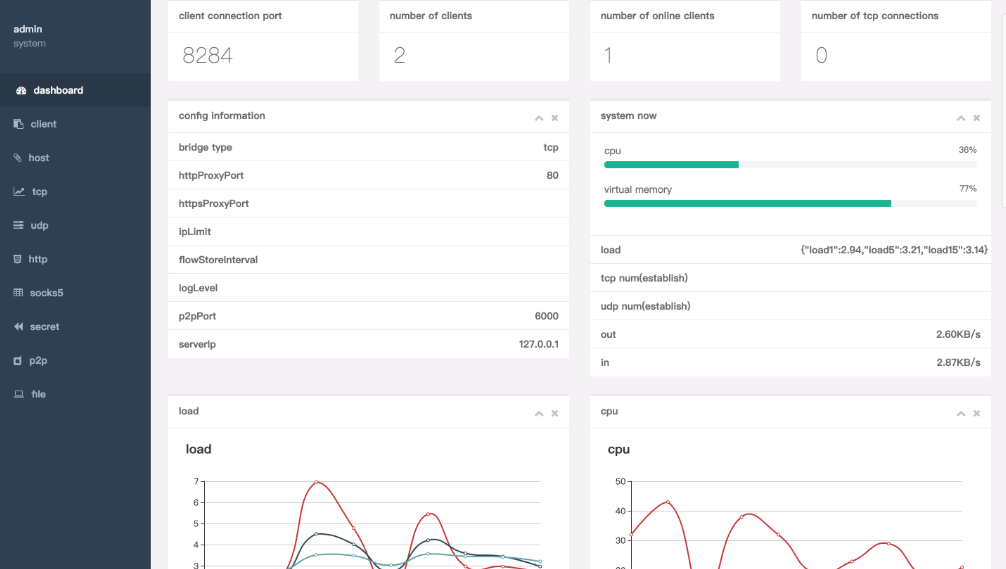
一款轻量级、高性能、功能强大的内网穿透代理服务器。支持tcp、udp、socks5、http等几乎所有流量转发,可用来访问内网网站、本地支付接口调试、ssh访问、远程桌面,内网dns解析、内网socks5代理等等……,并带有功能强大的web管理端。
为什么要使用NPS作为穿透工具?
- 内网访问
穿透内网限制:可以让用户在公网上访问内网中的设备或服务,而不需要进行复杂的网络配置。便捷的远程访问:用户可以在任何地点通过互联网访问内网资源,方便远程工作和管理。
- 提高安全性
减少暴露风险:通过穿透工具可以避免直接暴露内网服务到公网上,从而降低被攻击的风险。安全认证:NPS可以为连接提供认证和授权,确保只有经过验证的用户才能访问内网资源。
- 简化网络配置
避免复杂的路由和防火墙配置:使用穿透工具可以绕过传统的网络配置需求,减少管理复杂性。快速部署:用户可以快速设置和使用,无需进行繁琐的网络设置。
- 支持多种协议
NPS穿透工具通常支持多种网络协议,使得不同类型的服务(如HTTP、SSH、RDP等)都能通过穿透访问。
- 高可用性与稳定性
故障转移:许多穿透工具提供自动重连和故障转移机制,确保连接的稳定性。负载均衡:某些工具可能支持负载均衡,能够在多个内网服务器之间分配流量,提高访问效率。
快速部署
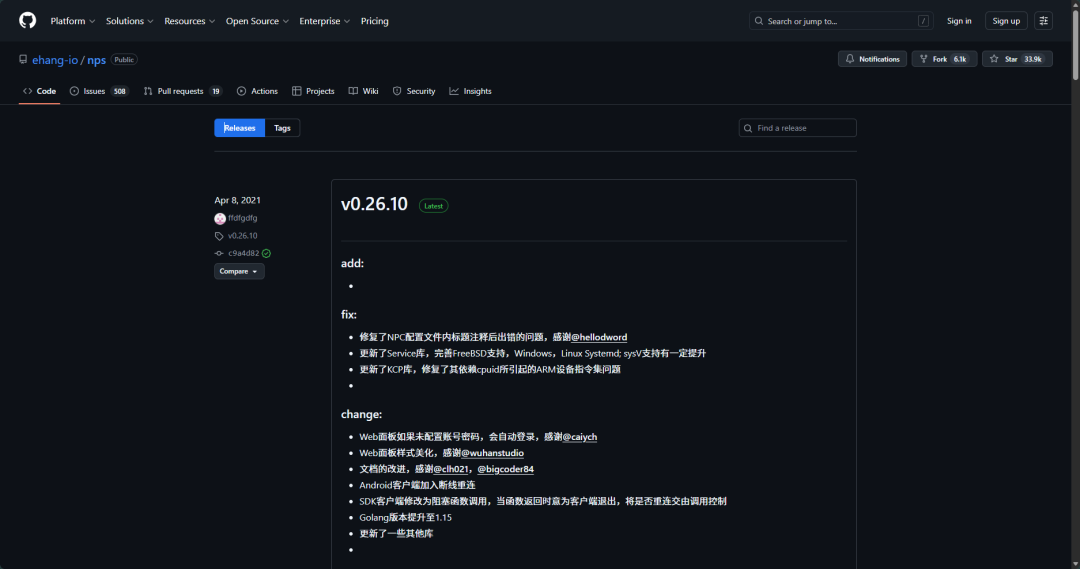
- 下载安装包
githu下载地址
https://github.com/ehang-io/nps/releases
- docker安装部署(推荐),也可使用官方部署方式
官方安装文档:
https://ehang-io.github.io/nps/#/install
1)创建客户端
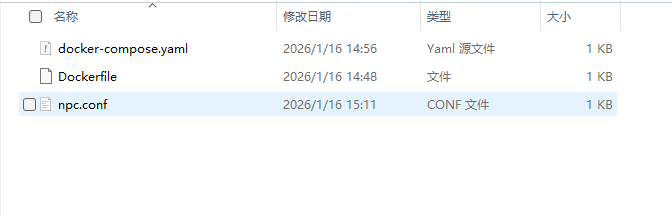
services:
  filecodebox:
    image: npc:latest
    container_name: npc
    restart: always
    network_mode: host
    volumes:
      - ./npc.conf:/npc/conf/npc.conf
# 客户端配置文件

[common]
server_addr=ip/域名:端口 # 远程连接服务端
conn_type=tcp
vkey=5JXSJWGNrymWzkmNRjexrbPypdRzhWnK
auto_reconnection=true
max_conn=1000
flow_limit=1000
rate_limit=1000
basic_username=11
basic_password=3
web_username=user
web_password=1234
crypt=true
compress=true
#pprof_addr=0.0.0.0:9999
disconnect_timeout=60
# [tcp]
# mode=tcp
# target_addr=127.0.0.1:12345
# server_port=10000
# compress = true
# crypt = true
[tcp]
mode=tcp
target_addr=127.0.0.1:3389 # 本地服务
server_port=10000
compress = true
crypt = true
参数解释:
| 字段 | 描述 |
|---|---|
server_addr |
服务端 IP/域名:port |
conn_type |
与服务端通信模式 (tcp 或 kcp) |
vkey |
服务端配置文件中的密钥 (非 web) |
username |
socks5 或 http(s) 密码保护用户名 (可忽略) |
password |
socks5 或 http(s) 密码保护密码 (可忽略) |
compress |
是否压缩传输 (true 或 false 或忽略) |
crypt |
是否加密传输 (true 或 false 或忽略) |
rate_limit |
速度限制 (可忽略) |
flow_limit |
流量限制 (可忽略) |
remark |
客户端备注 (可忽略) |
max_conn |
最大连接数 (可忽略) |
pprof_addr |
debug pprof IP:port |
2)创建服务端
下载服务端包
wget https://github.com/ehang-io/nps/releases/download/v0.26.10/linux_amd64_server.tar.gz

tar -zxvf linux_amd64_server.tar.gz

# 服务端配置文件

appname = nps
#Boot mode(dev|pro)
runmode = pro
#HTTP(S) proxy port, no startup if empty
http_proxy_ip=0.0.0.0
http_proxy_port=7180
https_proxy_port=7143
https_just_proxy=false
#default https certificate setting
https_default_cert_file=conf/server.pem
https_default_key_file=conf/server.key
##bridge
bridge_type=tcp
bridge_port=28024
bridge_ip=0.0.0.0
# Public password, which clients can use to connect to the server
# After the connection, the server will be able to open relevant ports and parse related domain names according to its own configuration file.
public_vkey=5JXSJWGNrymWzkmNRjexrbPypdRzhWnK
#Traffic data persistence interval(minute)
#Ignorance means no persistence
#flow_store_interval=1
# log level LevelEmergency->0  LevelAlert->1 LevelCritical->2 LevelError->3 LevelWarning->4 LevelNotice->5 LevelInformational->6 LevelDebug->7
log_level=7
#log_path=nps.log
#Whether to restrict IP access, true or false or ignore
#ip_limit=true
#p2p
#p2p_ip=127.0.0.1
#p2p_port=6000
#web
web_host=ip/域名
web_username=username # web账号
web_password=password # web密码
web_port = 7080
web_ip=0.0.0.0
web_open_ssl=false
web_cert_file=conf/server.pem
web_key_file=conf/server.key
# if web under proxy use sub path. like http://host/nps need this.
web_base_url=/service/nps
#Web API unauthenticated IP address(the len of auth_crypt_key must be 16)
#Remove comments if needed
#auth_key=test
auth_crypt_key =1234567812345678
#allow_ports=9001-9009,10001,11000-12000
#Web management multi-user login
allow_user_login=false
allow_user_register=false
allow_user_change_username=false
#extension
allow_flow_limit=false
allow_rate_limit=false
allow_tunnel_num_limit=false
allow_local_proxy=false
allow_connection_num_limit=false
allow_multi_ip=false
system_info_display=false
#cache
http_cache=true
http_cache_length=100
#get origin ip
http_add_origin_header=false
#pprof debug options
#pprof_ip=0.0.0.0
#pprof_port=9999
#client disconnect timeout
disconnect_timeout=600
# 是否开启tls
tls_enable=true
tls_bridge_port=8025
启动服务端

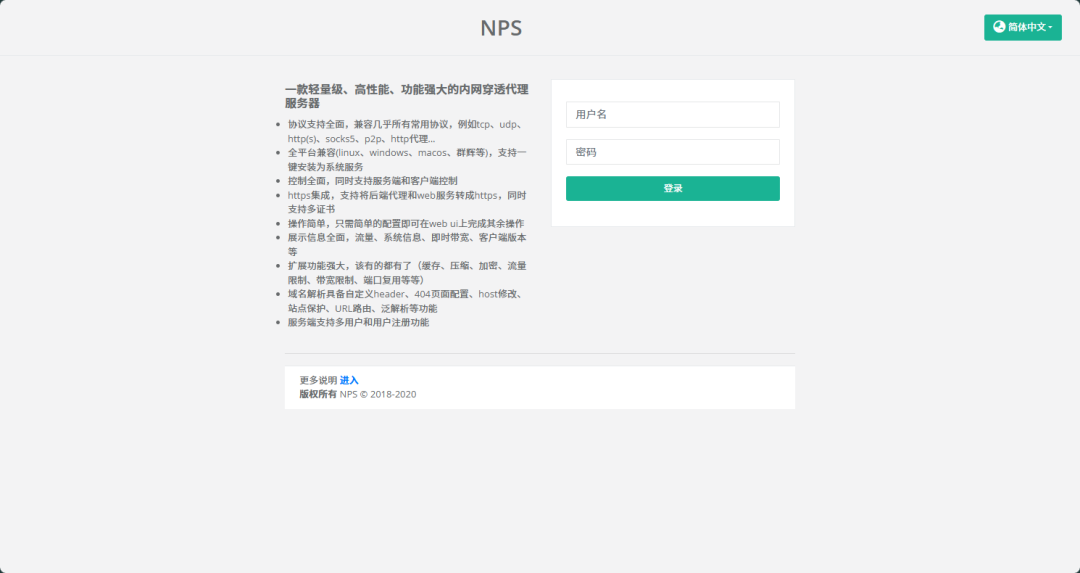
访问web 控制台,IP+端口
Comments & discussion
The first comment in each thread opens a topic. Signed-in readers can keep the conversation going under that topic.
No comments yet. Sign in to start a topic.
Start a new topic
Sign in to start a topic or join the discussion.