什么是ACK?
容器服务 Kubernetes 版 ACK(Container Service for Kubernetes)是全球首批通过Kubernetes一致性认证的容器服务平台,提供高性能的容器应用管理服务,支持企业级Kubernetes容器化应用的生命周期管理,让您轻松高效地在云端运行Kubernetes容器化应用。
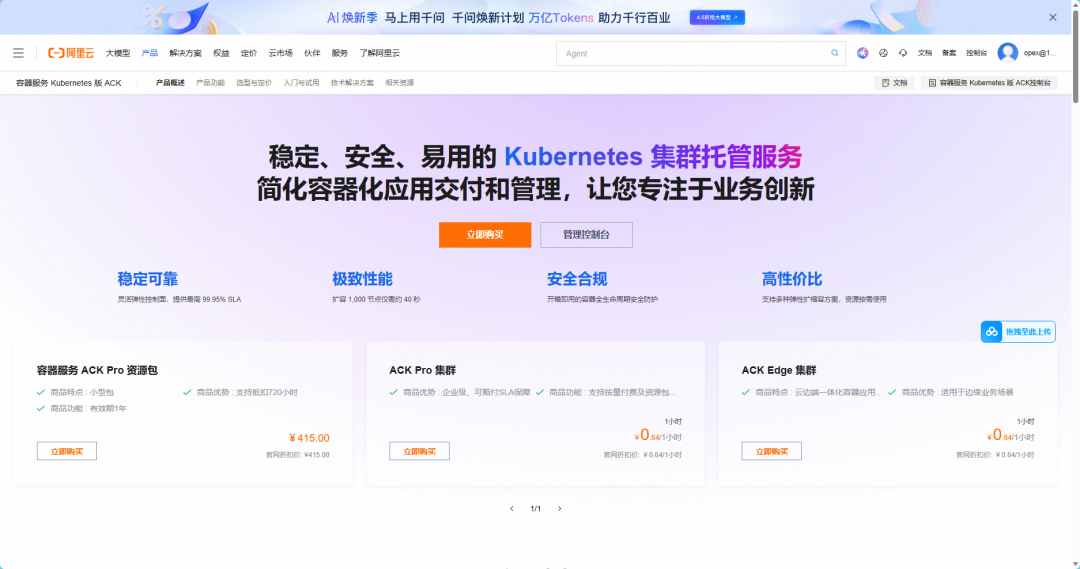
官网地址:https://help.aliyun.com/zh/ack
什么是OSS(对象存储)?
阿里云对象存储OSS(Object Storage Service)是一款海量、安全、低成本、高可靠的云存储服务,可提供99.9999999999%(12个9)的数据持久性,99.995%的数据可用性。多种存储类型供选择,全面优化存储成本。
官网地址:https://help.aliyun.com/zh/oss/
为什么要用OSS做数据持久化?
- 高可用性和可靠性
OSS 提供高可用性和数据冗余,通常将数据存储在多个数据中心。这意味着即使某个数据中心出现故障,数据仍然可以安全地访问,即便是K8S整个服务宕机了,也不会影响数据,重新重启服务即可继续使用。
- 扩展性
OSS 可以根据需求轻松扩展存储容量,用户无需担心存储空间不足的问题。它可以处理大量的数据,适合大规模应用。
- 成本效益
与传统的存储解决方案相比,使用 OSS 通常可以降低存储成本。你只需为实际使用的存储和带宽付费,避免了过度投资。
- 易于管理
OSS 提供简单易用的管理界面和 API,使得数据上传、下载和管理变得更加方便。同时,它们通常提供版本控制和生命周期管理等功能。
- 数据安全
OSS 提供多种安全机制,包括数据加密、访问控制和身份验证,确保数据在传输和存储过程中的安全性。
开始部署
前置条件
1. 一套3节点ack集群
2. 一个oss Bucket存储桶
创建命名空间 kubectl create namespace nexus
创建PV/PVC(持久化存储)
# 创建可以访问oss的secret
apiVersion: v1
data:
  akId: 123
  akSecret: 456
kind: Secret
metadata:
  namespace: nexus
  creationTimestamp: '2024-06-13T07:37:43Z'
  managedFields:
    - apiVersion: v1
      fieldsType: FieldsV1
      fieldsV1:
        'f:data': {}
        'f:type': {}
      manager: ACK-Console Apache-HttpClient
      operation: Update
      time: '2024-06-13T07:37:43Z'
    - apiVersion: v1
      fieldsType: FieldsV1
      fieldsV1:
        'f:data':
          'f:akId': {}
          'f:akSecret': {}
      manager: OneConsole-App-CS
      operation: Update
      time: '2025-05-23T01:34:46Z'
  name: oss
  namespace: default
  resourceVersion: '171199227'
  uid: ad614267-59b1-4801-8f08-8060c5139490
type: Opaque
apiVersion: v1
kind: PersistentVolume
metadata:
  namespace: nexus
  name: pv-nexus
  labels:
    alicloud-pvname: pv-nexus
spec:
  accessModes:
    - ReadWriteMany
  capacity:
    storage: 20Gi
  claimRef:
    apiVersion: v1
    kind: PersistentVolumeClaim
    name: pvc-nexus
    namespace: default
  csi:
    driver: ossplugin.csi.alibabacloud.com
    nodePublishSecretRef:
      name: oss
      namespace: default
    volumeAttributes:
      bucket: obsobt-configuration-center
      path: /Nexus/Data/
      url: oss-cn-hangzhou-internal.aliyuncs.com
    volumeHandle: pv-nexus
  persistentVolumeReclaimPolicy: Retain
  storageClassName: oss
  volumeMode: Filesystem
status:
  phase: Bound
apiVersion: v1
kind: PersistentVolumeClaim
metadata:
  namespace: nexus
  name: pvc-nexus
  namespace: default
spec:
  accessModes:
    - ReadWriteMany
  resources:
    requests:
      storage: 20Gi
  selector:
    matchLabels:
      alicloud-pvname: pv-nexus
  storageClassName: oss
  volumeMode: Filesystem
  volumeName: pv-nexus
status:
  accessModes:
    - ReadWriteMany
  capacity:
    storage: 20Gi
  phase: Bound
- 创建Deployment
apiVersion: apps/v1
kind: Deployment
metadata:
  namespace: nexus
  name: nexus
  namespace: default
  labels:
    app: nexus
spec:
  replicas: 1
  selector:
    matchLabels:
      app: nexus
  template:
    metadata:
      labels:
        app: nexus
    spec:
      containers:
        - name: nexus
          image: 'sonatype/nexus3:latest'
          imagePullPolicy: IfNotPresent
          ports:
            - containerPort: 8081
              name: nexus
              protocol: TCP
          env:
            - name: INSTALL4J_ADD_VM_PARAMS
              value: >-
                -Xms2g -Xmx2g -XX:MaxDirectMemorySize=3g
                -Djava.util.prefs.userRoot=/nexus-data/javaprefs
          resources:
            requests:
              cpu: 250m
              memory: 512Mi
          volumeMounts:
            - mountPath: /etc/localtime
              name: volume-localtime
            - mountPath: /nexus-data/
              name: nexus3
      volumes:
        - name: volume-localtime
          hostPath:
            path: /etc/localtime
        - name: nexus3
          persistentVolumeClaim:
            claimName: pvc-nexus
- 创建Service
apiVersion: v1
kind: Service
metadata:
  namespace: nexus
  name: nexus-service
  namespace: default
spec:
  ports:
    - name: nexus
      port: 8081
      protocol: TCP
      targetPort: 8081
  selector:
    app: nexus
  type: ClusterIP
- 创建Ingress (非必选)
apiVersion: networking.k8s.io/v1
kind: Ingress
metadata:
  name: nexus3
  namespace: nexus
  annotations:
    nginx.ingress.kubernetes.io/proxy-body-size: "0"
    nginx.ingress.kubernetes.io/proxy-read-timeout: "600"
    nginx.ingress.kubernetes.io/proxy-send-timeout: "600"
spec:
  ingressClassName: nginx
  rules:
  - host: nexus.domain.com
    http:
      paths:
      - path: /
        pathType: Prefix
        backend:
          service:
            name: nexus3
            port:
              number: 8081
  tls:
  - hosts:
    - nexus.yourdomain.com
    secretName: nexus-tls-secret  # 需要提前创建SSL证书
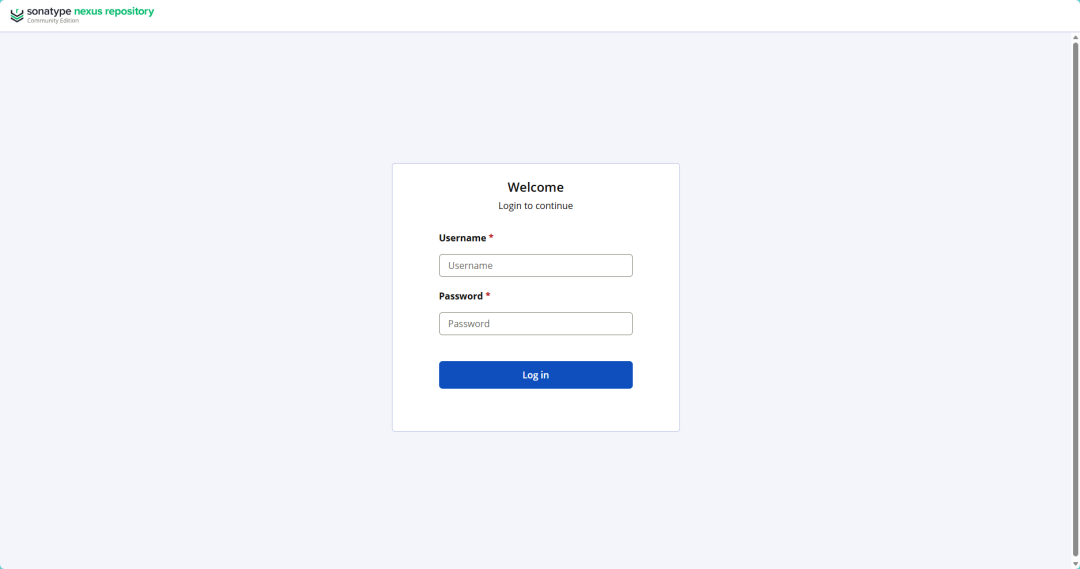
通过域名访问Nexus
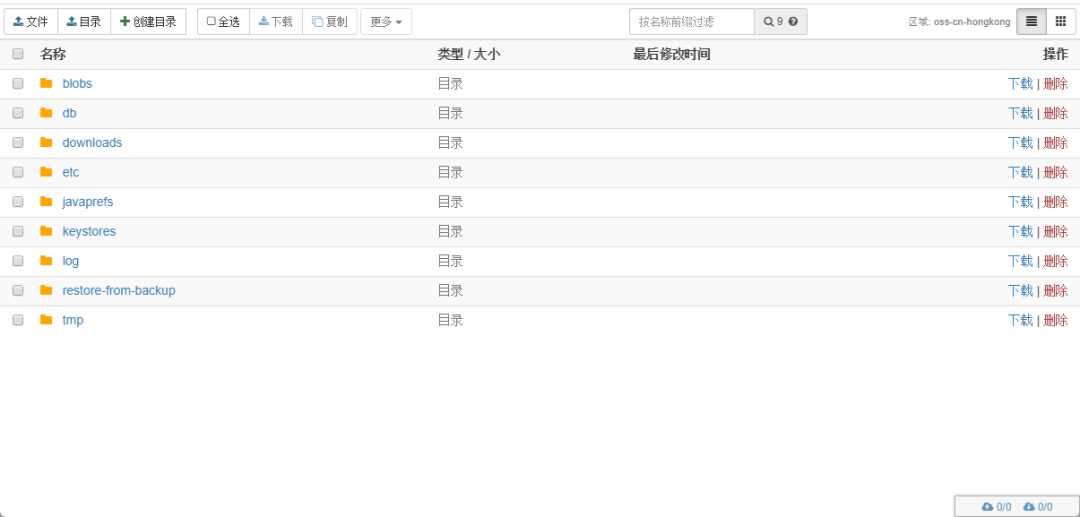
通过oss控制台或者客户端检查数据是否挂载成功
测试服务宕机或者重新部署,检测是否对数据有影响 1)重新部署

Nexus的使用,请自行百度!
Comments & discussion
The first comment in each thread opens a topic. Signed-in readers can keep the conversation going under that topic.
No comments yet. Sign in to start a topic.
Start a new topic
Sign in to start a topic or join the discussion.